




ZMK, we need to talk. I've met another firmware
Why We Made the Switch
ZMK has been a solid open-source firmware for wireless keyboards, but it has some limitations when it comes to customization—particularly around how you customize your device
With ZMK Studio (ZMK's configuration tool), features like
- custom macros
- encoder/dial behavior
- tap-dance
- and combos
are either not supported or listed as low priority for future development. That means if you wanted to change what your rotary encoder does or set up a new macro, you'd need to edit configuration files and reflash your firmware.
Not exactly plug-and-play
What RMK + Vial Brings to the Table
RMK is a newer keyboard firmware written in Rust, and it supports Vial—a mature, well-established GUI that the mechanical keyboard community already knows and trusts
It built from the ground up with real-time keymap editing in mind—no recompiling, no reflashing. It natively supports Vial, a mature GUI the mechanical keyboard community has used for years, and development has been moving fast with frequent updates and new features
Comparison
| ZMK Studio | RMK + Vial | |
|---|---|---|
| Edit macros in GUI | ❌ Not supported | ✅ Yes |
| Change encoder behavior | ❌ Not supported | ✅ Yes |
| Tap-dance / Combos | ❌ Not supported | ✅ Yes |
| Real-time keymap editing | ✅ Yes | ✅ Yes |
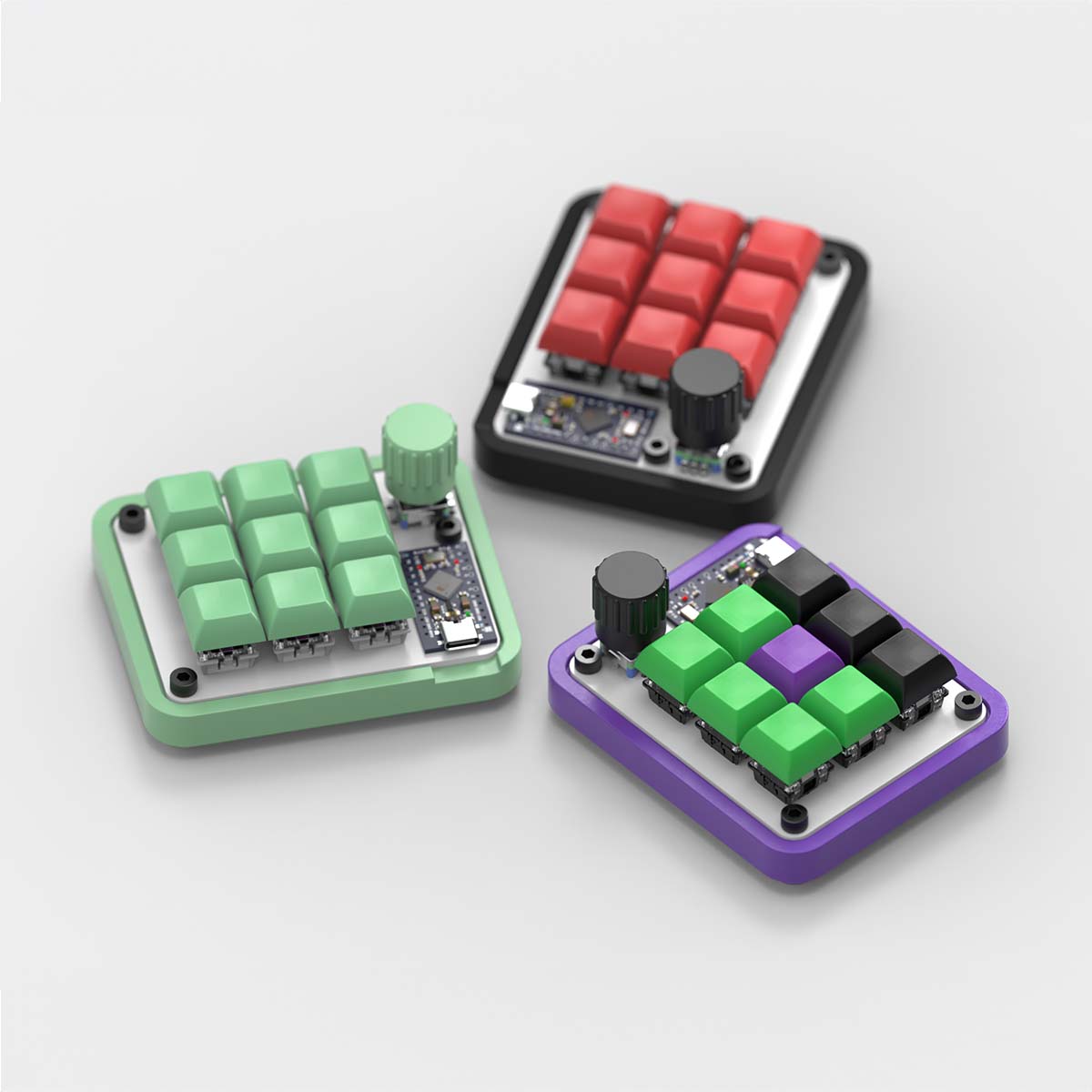
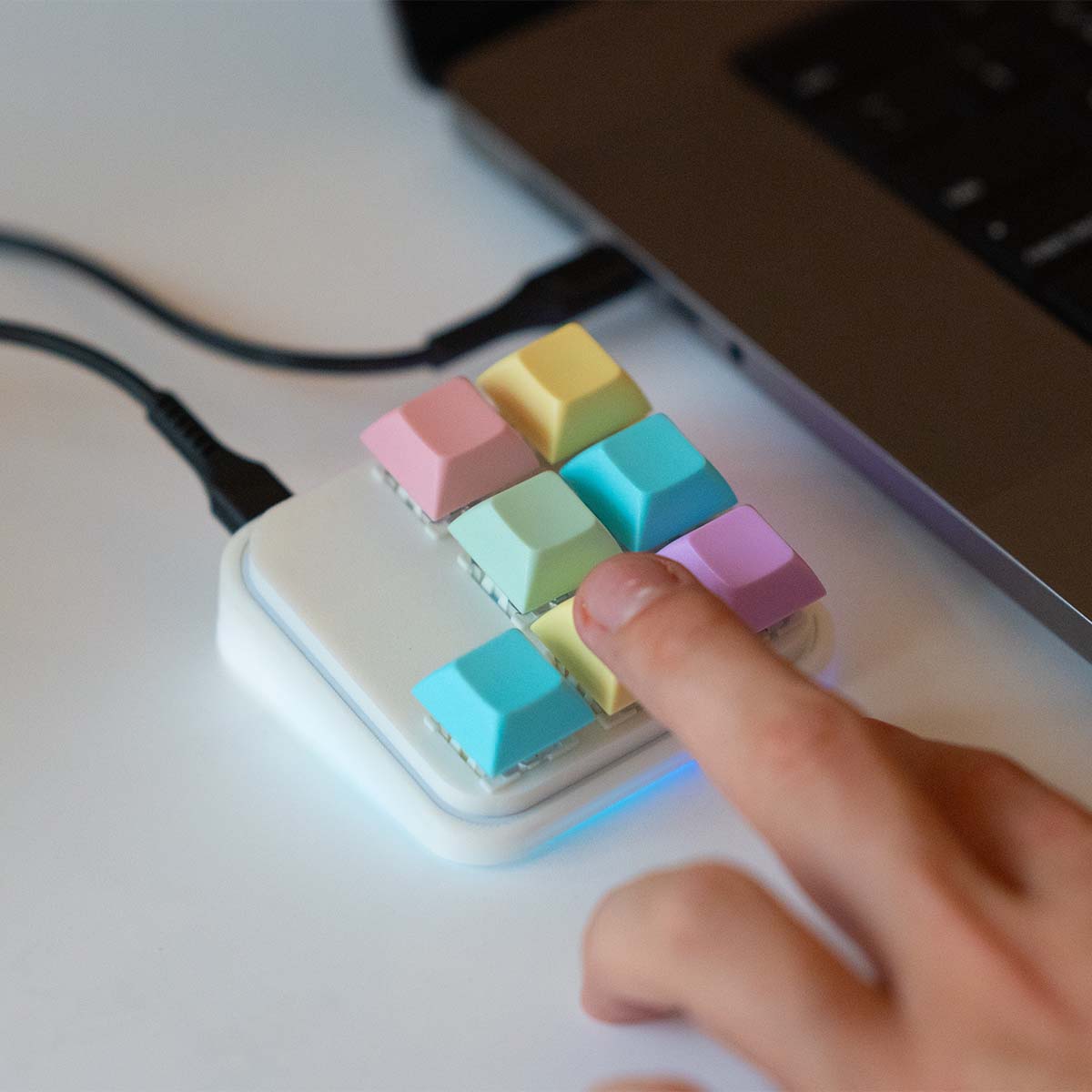
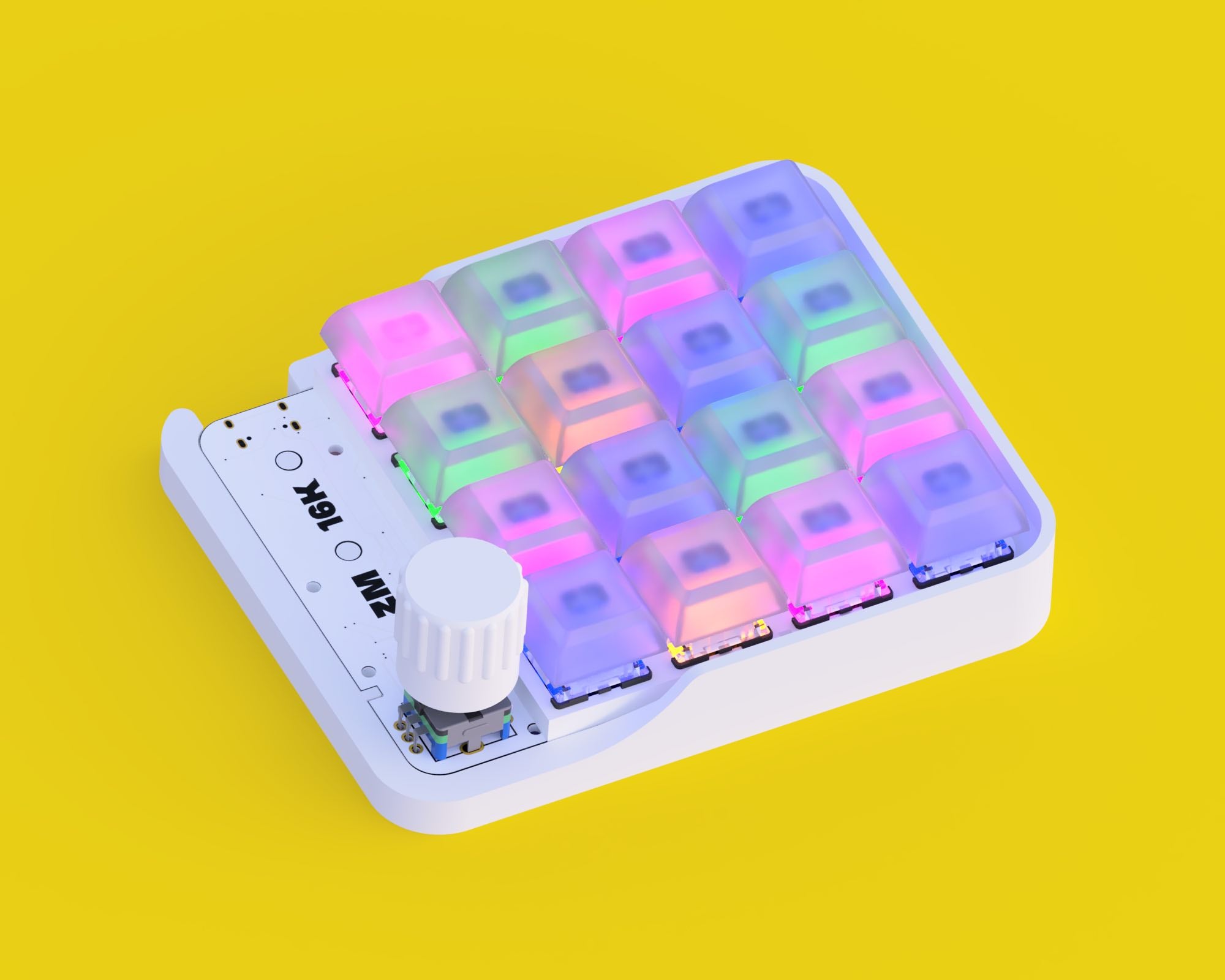
Moving forward our wireless macropads will ship with RMK by default, like our ZM9K BLE